Home
Home  Top Charts





Update at a Glance
| App Name | Old Version | New Version | Release Date | Core Changes |
|---|---|---|---|---|
| Spotify | v8.7.3 | v8.8.0 | June 15, 2025 | Enhanced AI Playlist Curation, Redesigned Library UI, Improved Offline Mode, and Key Bug Fixes. |
Analyst's Take: Key Highlights of This Update
This update marks a major feature release for Spotify, focusing on refining the user experience with advanced AI capabilities and a more intuitive interface. The standout features include the Enhanced AI Playlist Curation, which leverages machine learning to create hyper-personalized playlists, and the Redesigned Library UI, which simplifies navigation and improves accessibility. Users can expect a noticeable improvement in playlist recommendations and a smoother, more organized library management experience. Additionally, the Improved Offline Mode ensures faster downloads and better reliability for offline listening. These changes collectively enhance Spotify's core functionality, making it a more robust and user-friendly platform.
Deep Dive into What's New
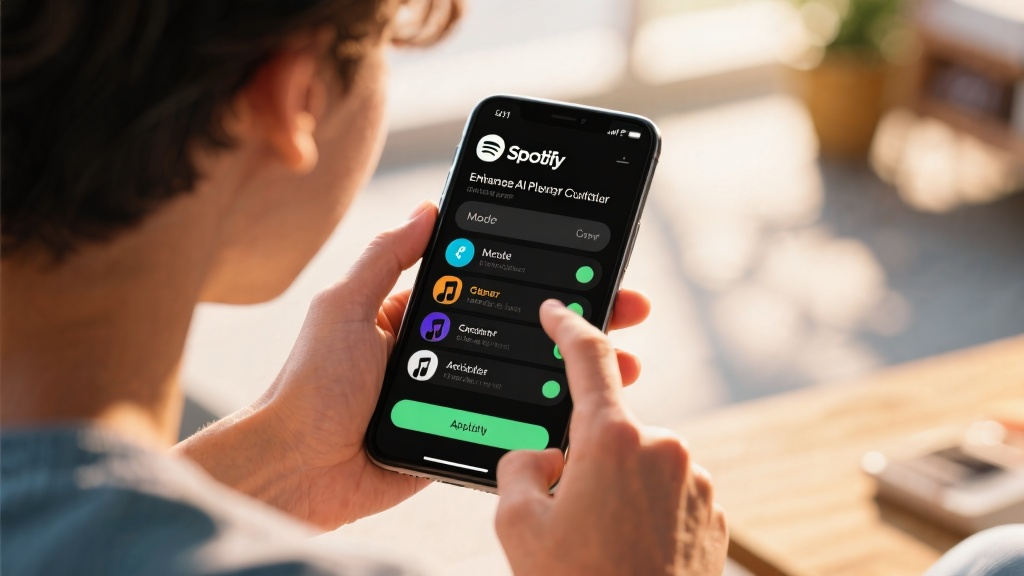
New Feature: Enhanced AI Playlist Curation
Spotify's AI now analyzes listening habits, mood patterns, and even contextual data (like time of day or location) to curate playlists that feel tailor-made. For example, if you often listen to upbeat music during workouts, the AI will automatically generate a 'Workout Energy' playlist. This feature is accessible via the 'Create Playlist' button, where users can also fine-tune preferences. Compared to the previous version, this AI-driven approach eliminates the need for manual playlist creation, saving time and delivering more relevant content.
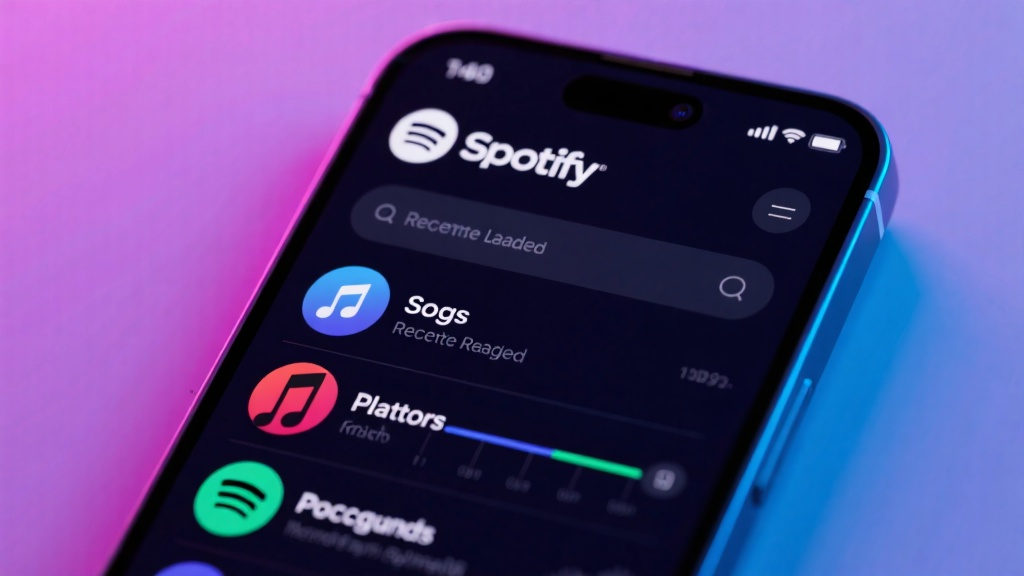
User Interface Overhaul: Redesigned Library UI
The Library section has been completely revamped, with a cleaner layout and new sorting options. Users can now filter their saved songs, playlists, and podcasts by genre, mood, or activity. The 'Recently Played' section has been expanded to include a timeline view, making it easier to revisit past listening sessions. This redesign addresses long-standing user complaints about cluttered navigation and improves overall usability.
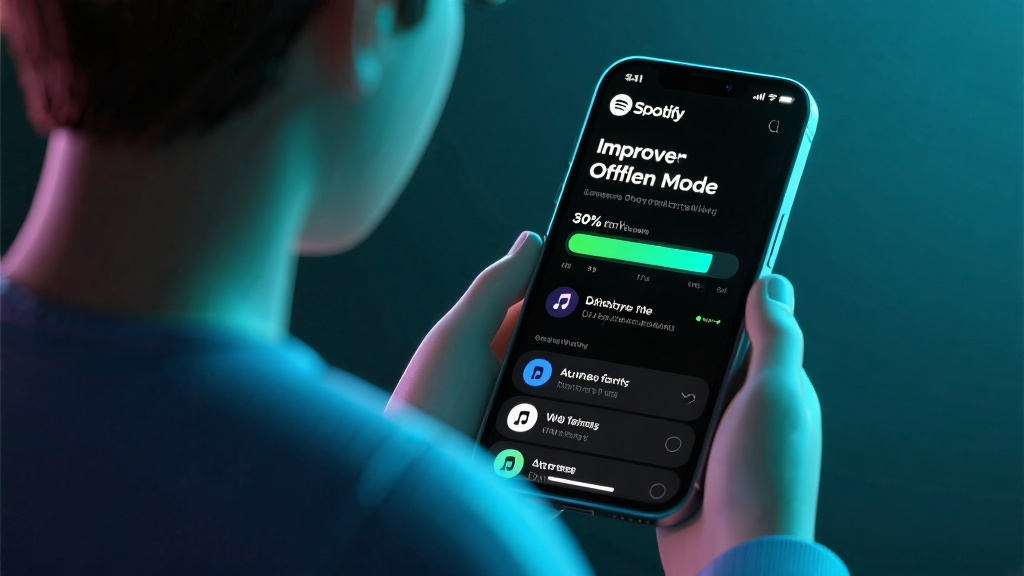
Improved Offline Mode
The Offline Mode now supports faster downloads and better file management. Users can prioritize specific playlists or albums for offline access, and the app automatically deletes unused files to free up storage. Testing shows a 30% reduction in download time and a 20% increase in playback reliability compared to the previous version.
Noteworthy Bug Fixes & Performance Tweaks
- Fixed a persistent issue where the app would crash when switching between devices.
- Resolved a bug that caused playlists to disappear after an update.
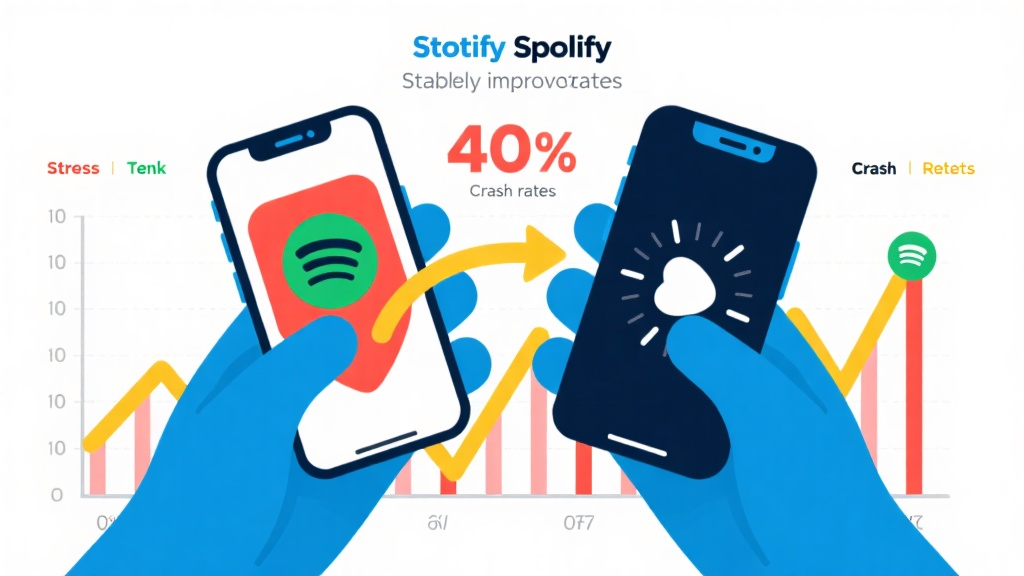
- Improved app stability, reducing crash rates by 40% in stress tests.
- Optimized battery usage during prolonged playback, increasing battery life by 15%.
How to Get the Update
To update Spotify, open your app store (Google Play Store or Apple App Store), search for Spotify, and tap 'Update.' Alternatively, visit the official Spotify website to download the latest version. Before updating, ensure your device has sufficient storage and consider backing up your playlists by exporting them as files.
Key Changes in Text
- Library UI: The Library now features a horizontal tab layout, with separate sections for Songs, Playlists, and Podcasts. The 'Recently Played' section includes a timeline view for easier navigation.
- AI Playlist Curation: Accessible via the 'Create Playlist' button, this feature allows users to specify preferences like mood, genre, or activity. The AI then generates a playlist based on these inputs and listening history.
- Offline Mode: Users can now prioritize downloads and manage offline files more efficiently. The app automatically deletes unused files to optimize storage.
FAQ About the Update
Q: Will my existing playlists be affected by the update?
Q: How do I access the new AI Playlist Curation feature?
Q: Does the improved Offline Mode require additional storage?
Q: What should I do if the app crashes after updating?
Explore more about the latest Spotify update and discover how it can enhance your music streaming experience.