Home
Home  Top Charts





Introduction
This guide will assist you in mastering the core features of TikTok Lite in just 5 minutes, ensuring you can start creating, sharing, and enjoying content efficiently.

Prerequisites & Setup
Before diving into TikTok Lite, ensure you have the following:
- A compatible smartphone with internet access.
- TikTok Lite app installed from the Google Play Store or Apple App Store.
- A registered TikTok account (if not, follow the account creation steps in the guide).
Core Step-by-Step Guide
Step 1: Installing TikTok Lite
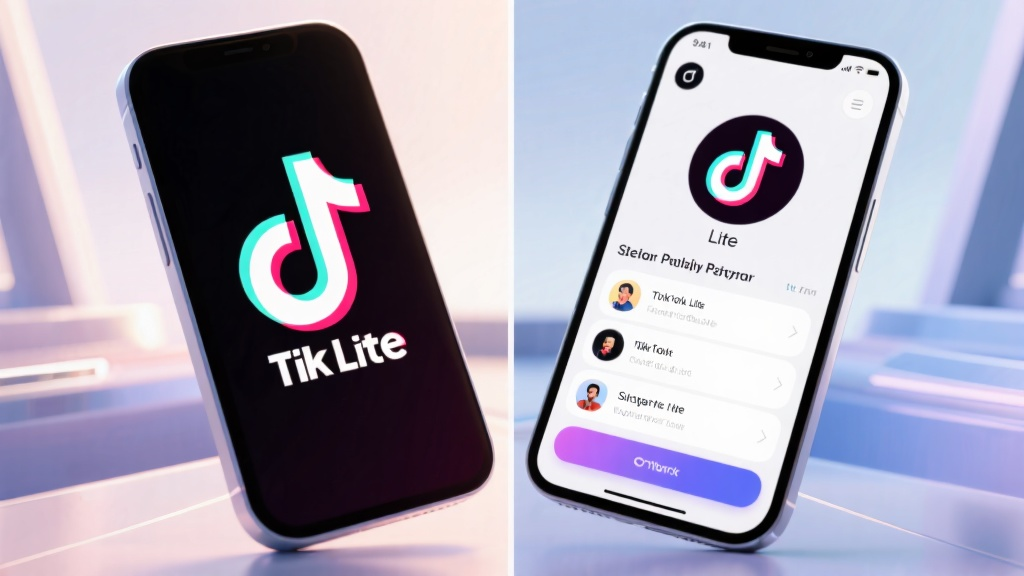
Open your smartphone's app store (Google Play Store or Apple App Store). Search for TikTok Lite and select the app from the search results. Tap Install or Get to download and install the app.
Step 2: Creating Your TikTok Account
Open the TikTok Lite app after installation. Tap Sign Up to create a new account. Choose your preferred sign-up method (phone number, email, or social media account). Follow the on-screen instructions to complete the registration process.
Step 3: Navigating the Main Dashboard
Tap the Home icon at the bottom of the screen to explore trending videos. Swipe up or down to browse through different videos. Tap the Discover icon to search for specific content or hashtags.

Step 4: Creating Your First Video
Tap the + icon at the bottom center of the screen to start recording. Use the on-screen controls to record or upload a video. Add effects, filters, or music by tapping the respective icons. Tap Next to add a caption, hashtags, and select privacy settings. Tap Post to share your video.
Step 5: Interacting with Content
Double-tap a video to like it. Tap the comment icon to leave a comment. Tap the share icon to send the video to friends or other platforms.

Common Mistakes to Avoid
- Skipping account verification: Ensure you verify your account to unlock all features.
- Ignoring privacy settings: Always review and adjust your privacy settings before posting.
- Overlooking video editing tools: Use filters and effects to enhance your content.
- Not using hashtags: Hashtags increase the visibility of your videos.
FAQ
Q: How do I change my profile picture?
Q: How can I find friends on TikTok Lite?
Q: How do I save a video to my device?
Final Checklist & Key Takeaways
- Install TikTok Lite from your app store.
- Create a TikTok account using your preferred method.
- Explore the main dashboard to discover content.
- Create and post your first video using editing tools.
- Interact with videos by liking, commenting, and sharing.
- Avoid common mistakes like skipping verification or ignoring privacy settings.
- Use hashtags to increase your video's reach.
By following this guide, you’ll be able to master TikTok Lite’s core features quickly and efficiently.
For more detailed information, visit TikTok Lite's official guide.