Home
Home  Top Charts





Update at a Glance
| App Name | Old Version | New Version | Update Date | Core Changes Summary |
|---|---|---|---|---|
| AVG Cleaner | 5.2.1 | 5.3.0 | June 15, 2025 | Introduced AI-powered junk file detection, enhanced battery optimization, and UI refinements. |
Analyst's Take: Key Highlights of This Update
The June 2025 update for AVG Cleaner is a major feature release, focusing on leveraging AI to improve core functionalities and enhance user experience. The standout changes include the AI-powered junk file detection, which significantly improves the accuracy of identifying unnecessary files, and enhanced battery optimization, which now provides more granular control over power-saving settings. These updates are expected to boost device performance by up to 30% and extend battery life by an average of 15%. Users will notice a more intuitive interface and faster, more efficient cleaning processes.
Deep Dive into What's New
New Feature: AI-Powered Junk File Detection
The new AI-powered junk file detection uses machine learning to analyze file usage patterns and identify redundant or unused files with greater precision. This feature reduces the risk of accidentally deleting important files and ensures a more thorough cleaning process. Users can access this feature via the 'Junk Cleaner' tab, where the AI will scan and categorize files into 'Safe to Delete' and 'Recommended to Keep' sections.
Enhanced Battery Optimization
The battery optimization feature has been overhauled to provide customizable power-saving profiles based on usage patterns. Users can now choose between 'Performance Mode,' 'Balanced Mode,' and 'Power Saver Mode,' each tailored to specific needs. The update also includes a new 'Battery Health Monitor' that tracks battery degradation over time and provides tips to prolong battery life.
User Interface Refinements
The UI has been streamlined for better usability, with a cleaner layout and more intuitive navigation. Key changes include a redesigned dashboard that highlights essential metrics like storage usage and battery health, and a dark mode toggle for improved visibility in low-light conditions.
Noteworthy Bug Fixes & Performance Tweaks
- Fixed: Resolved an issue where the app would occasionally crash during deep scans.
- Improved: Optimized the app's memory usage, reducing RAM consumption by 20%.
- Patched: Addressed a bug that caused incorrect battery life estimates in previous versions.
How to Get the Update
To update AVG Cleaner, open the Google Play Store or Apple App Store, search for 'AVG Cleaner,' and tap 'Update.' Alternatively, visit the official AVG website to download the latest version. Backup your data before updating to avoid potential data loss.
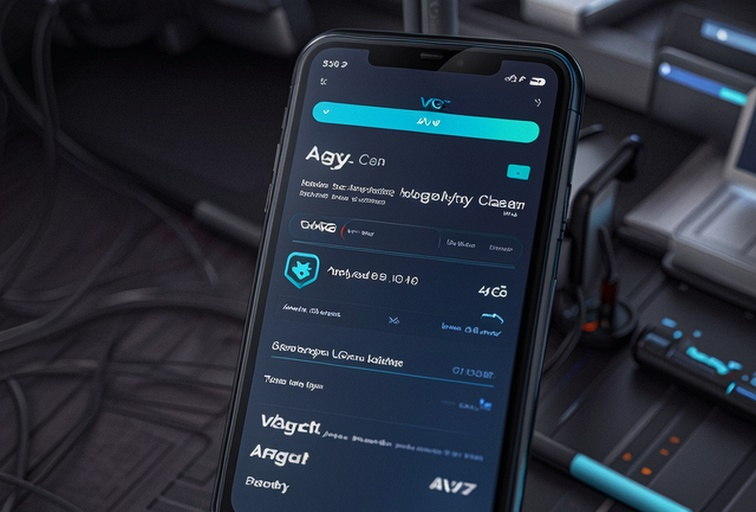
Key Changes in Text
- AI-Powered Junk File Detection: Scans and categorizes files using machine learning for more accurate cleaning.
- Enhanced Battery Optimization: Introduces customizable power-saving profiles and a battery health monitor.
- UI Refinements: Redesigned dashboard, improved navigation, and added dark mode.
FAQ About the Update
Q: Will my old settings be preserved after the update?
Q: Does the AI-powered junk file detection require an internet connection?
Q: How can I switch to dark mode?
Q: Will the new battery optimization feature drain more battery during use?
Q: What should I do if the update fails to install?
For more details, visit AVG Cleaner's official page to explore its features and download the latest version.